Internal teams. External counterparties. One audited surface.
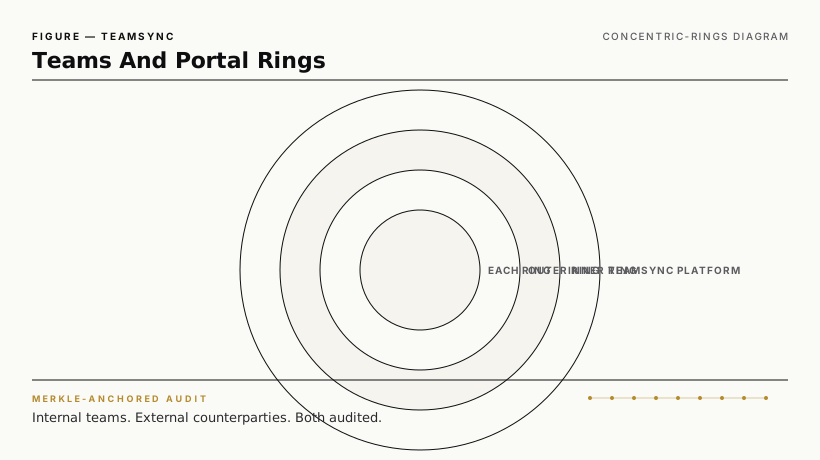
Teams Management is how TeamSync handles the people-and-membership layer. Internal teams (project, matter, deal-room, vertical container) get their own ACL scope. External counterparties (subcontractors, suppliers, clients, regulators, citizens) access TeamSync via the External Portal — no account required, short-lived tokens, every action audited.
Talk to a teams + portal solutions engineer · Read the consolidation pillar
What's in the capability.
| Component | Purpose |
|---|---|
| Internal teams | Membership-based ACL scoping for projects, matters, deal rooms, vertical containers |
| Team templates | Reusable team structures (e.g., "M&A deal room" with standard roles) |
| External Portal | Counterparty access via short-lived signed-URL tokens; no TeamSync account required |
| Identity verification (optional) | KBA, ID-document scan, MFA per policy |
| Public links | Time-bound, password-protected, rate-limited, audit-anchored |
| Counterparty signing | Signing inside the External Portal (see E-signatures) |
| Audit ledger | Every external access, every public-link click, every signing event recorded |
How TeamSync compares.
| Capability | TeamSync | SharePoint guest access | Box external collaborators | DocuSign signing portal | ShareFile client portal |
|---|---|---|---|---|---|
| External counterparty access without account | ✅ | Guest account required | Per-counterparty seat | Signing-only | ✅ |
| Public links with rate-limit + audit | ✅ | Anonymous links | Anonymous links | N/A | Anonymous links |
| Internal team scoping with template | ✅ | SharePoint sites | Box folders | N/A | ShareFile spaces |
| Counterparty signing in same surface | ✅ | Partner | Box Sign | DocuSign-native | ShareFile signing |
| Per-cluster pricing (no per-counterparty seat) | ✅ | Per-guest | Per-counterparty seat | Per-envelope | Per-tier |
Frequently asked questions.
Does the External Portal require my counterparties to install anything?
No. They click a link in their email, complete authentication per the policy, and access the document or signing flow.
How are public links secured?
Time-bound (default 7 days, configurable), password-protected (optional), rate-limited (per token), and audited per click. Public-link issuance requires owner approval.
Can I revoke counterparty access mid-flow?
Yes. Token revocation is immediate. Access events after revocation appear as denied attempts in the audit ledger.
Related capabilities
- Intelligent Repository — the shared content
- Electronic & Digital Signatures — counterparty signing
- Tamper-evident audit ledger — every external action anchored